EN
EN
 RU
RU
 ES
ES
 ZH
ZH
 FR
FR
 DE
DE
 PT
PT
 AR
AR
 HI
HI


New IDE with JavaScript (Node.js) Support: First Look
The world of web development does not stand still, and tools for creating modern applications are constantly being updated. A new development environment (IDE) has recently appeared on the market, promising to become an indispensable assistant for programmers working with JavaScript and the Node.js platform. In this article, we share our first impressions of working with it and discuss which features caught our attention.
What is this IDE?
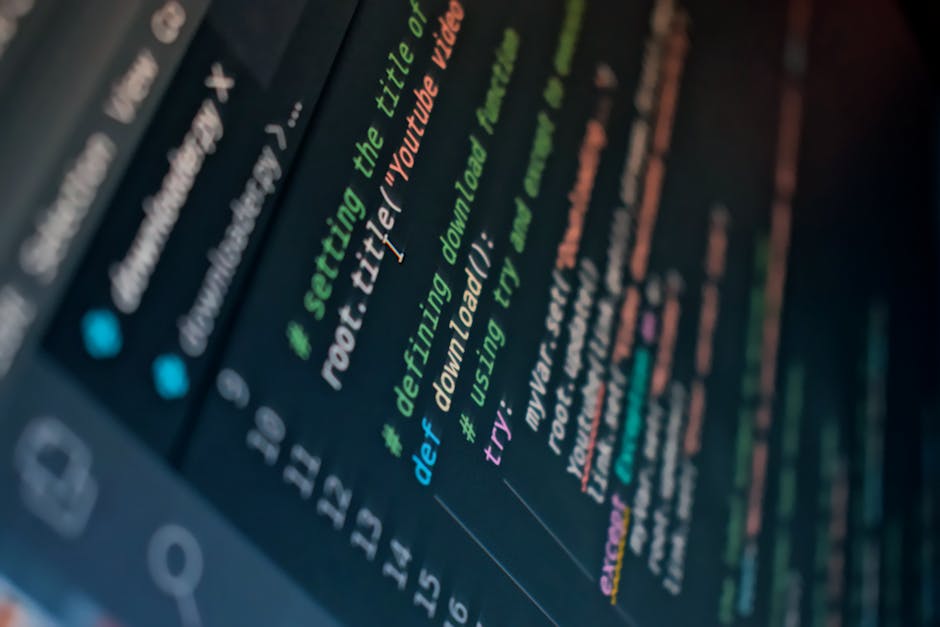
The new IDE is built with a focus on the modern JavaScript stack. Unlike universal editors, it offers deep integration with Node.js, including a built-in package manager, a performance profiler, and a smart autocomplete system that accounts for the specifics of asynchronous code. The developers claim that the environment understands ES6+ syntax, TypeScript, and popular frameworks out of the box.
Key Features
- Smart Debugger: support for breakpoints directly in the editor, viewing the call stack and variable states in real-time. Works for both client-side code and server-side Node.js scripts.
- npm Integration: built-in console for installing packages, automatic dependency updates, and highlighting outdated versions.
- Next-Generation LSP Server: autocomplete and refactoring work based on AST tree analysis, which is significantly faster than classic plugins.
- Memory Profiler: a visual tool for finding memory leaks in Node.js applications — an indispensable feature for production code.
- Dark Theme and Interface Customization: minimalist design with the ability to switch between modes, support for custom fonts and window layouts.
First Impression
The installation was quick — the environment takes up about 300 MB on disk. Immediately after launch, the editor offered to open a test Node.js project. The welcome screen was a pleasant surprise: it shows not only recent files but also templates for Express, Koa, and NestJS. Autocomplete worked instantly, and the built-in terminal correctly displays Cyrillic characters — a rare quality for Western IDEs.
Special mention goes to the hint system for async/await. The editor not only highlights errors but also offers to automatically wrap the code in try/catch if you forgot to handle an exception. For beginners, this is a lifesaver; for experienced developers, it saves time.
Who Should Try It?
This IDE will be useful both for novice developers who want to get used to a professional tool right away, and for experienced engineers working on microservices or full-stack applications. If you are looking for an alternative to heavyweight environments or want to simplify Node.js debugging, this is an excellent candidate for daily use.
Stay tuned for updates on PythonLib: in the near future, we will prepare a detailed video reviewing all the features and comparing them with competitors.