


 EN
EN
 RU
RU
 ES
ES
 ZH
ZH
 FR
FR
 DE
DE
 PT
PT
 AR
AR
 HI
HI


Error Handling in Swift: try/catch and Beyond — A Complete Guide
Error handling is one of the key topics in iOS and macOS development. Swift implements a powerful and elegant error management system that goes far beyond simple try/catch. Understanding these mechanisms allows you to write reliable, predictable, and safe code. In this article, we will cover all aspects: from basic error declaration to advanced techniques with optional values and deinitializers.
Basics: The Error Protocol and the throws Keyword
In Swift, any error must conform to the Error protocol. Typically, enumerations (enum) are used for this purpose. Let's look at a simple example — password validation:
enum PasswordError: Error {    case tooShort    case missingDigit    case missingUppercase}

func validatePassword(_ password: String) throws {    guard password.count >= 8 else {        throw PasswordError.tooShort    }    guard password.rangeOfCharacter(from: .decimalDigits) != nil else {        throw PasswordError.missingDigit    }    guard password.rangeOfCharacter(from: .uppercaseLetters) != nil else {        throw PasswordError.missingUppercase    }    print("Password is valid")}
The throws keyword in the function declaration tells the compiler that execution may be interrupted by an error. Calling such a function requires special syntax.
The do-catch Construct and the try Keyword
To handle potential errors, the do-catch block is used with the try keyword before the call:
do { try validatePassword("Hello123") print("Success!")} catch PasswordError.tooShort { print("Error: password is too short")} catch PasswordError.missingDigit { print("Error: password has no digit")} catch PasswordError.missingUppercase { print("Error: password has no uppercase letter")} catch { print("Unknown error: \\(error)")}Note the last catch block — it catches any previously unhandled errors. This is a mandatory requirement: the Swift compiler checks that all possible errors are handled.
try? and try! — Simplified Handling Options
Sometimes you don't need full control over errors. Swift offers two shorthand options:
- try? — converts the error into an optional
nilvalue. If there is no error, it returns the result wrapped in anOptional. - try! — asserts that no error will occur. If an error does occur, the application will crash (runtime crash).
// try? — safe error ignoringif let _ = try? validatePassword("weak") {    print("Password passed validation")} else {    print("Password did not pass")}

// try! — only if you are 100% surelet result = try! validatePassword("StrongPass1") // Crash if password is invalid
Use try! only in situations where an error is theoretically impossible (e.g., when loading a resource bundled with the application).
Advanced Techniques: rethrows, defer, and Result
Rethrowing Errors (rethrows)
The rethrows keyword is applied to higher-order functions that accept a closure capable of throwing an error. The function itself does not throw an error but passes it through from the closure:
func processItems(_ items: [String], using validator: (String) throws -> Void) rethrows {    for item in items {        try validator(item)    }}

// Usagedo {    try processItems(["Hello", "World123"], using: validatePassword)} catch {    print("Processing error: \\(error)")}
This allows writing flexible wrapper functions without duplicating error handling code.
Blogs
Book Recommendations
Read also
 Asynchronous Programming in TypeScript: A Complete Guide for Beginners
 How to disable and enable input using jQuery: a complete guide
 Chaos Engineering for Java: How to Break an Application to Make It Stronger
Telegram bot in C++: a step-by-step guide for the brave
Chaos Engineering for Java: How to Break an Application to Make It Stronger
Telegram bot in C++: a step-by-step guide for the brave
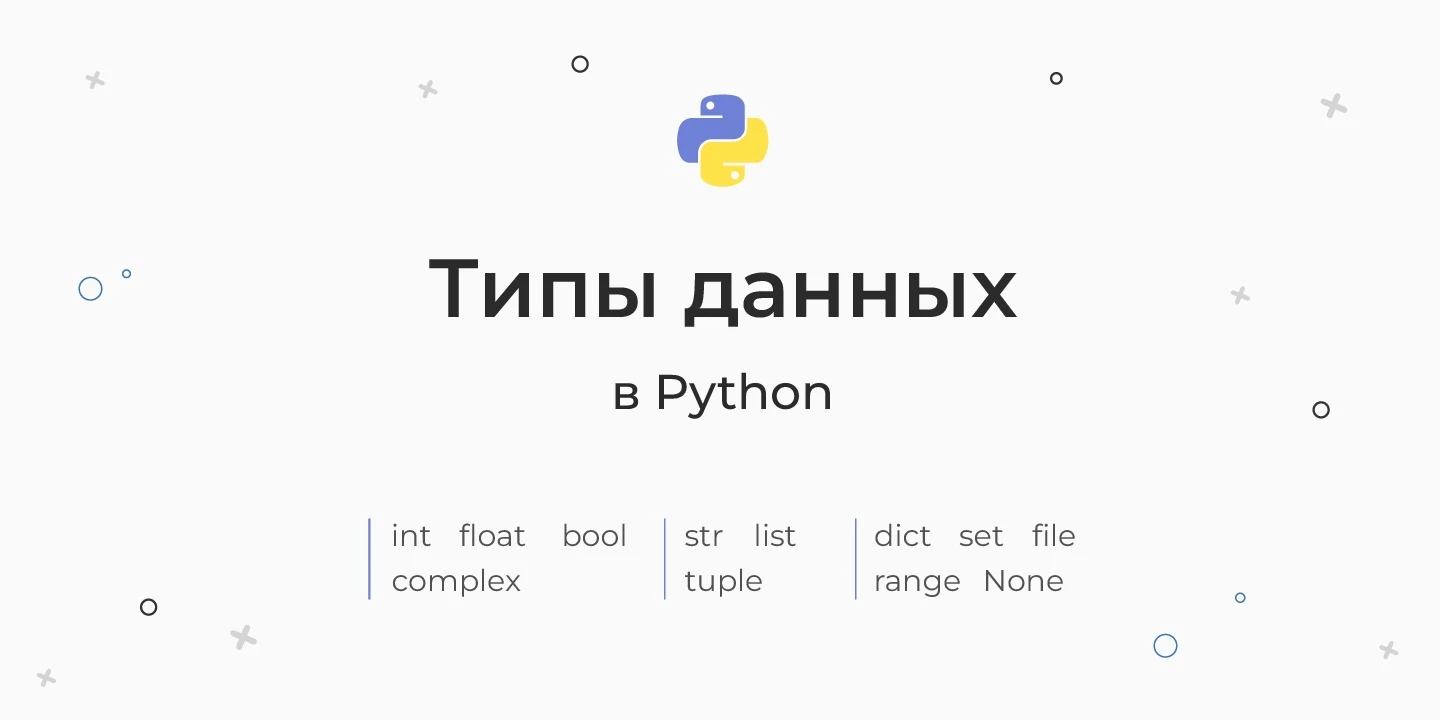 Python Basics: Data Types, Variables, and Dynamic Typing
Blogs


Book Recommendations
Read also
Asynchronous Programming in TypeScript: A Complete Guide for Beginners
How to disable and enable input using jQuery: a complete guide
Chaos Engineering for Java: How to Break an Application to Make It Stronger
Telegram bot in C++: a step-by-step guide for the brave
Python Basics: Data Types, Variables, and Dynamic Typing